Do you have a store on Lightspeed C Series and notice you're hitting the platform's limits? You're not the only one. More and more e-commerce entrepreneurs make the move from Lightspeed to Shopify — and with good reason. But how do you tackle such a migration smartly without losing data, SEO positions or disappointing customers?
In this complete guide we walk you step by step through the process of migrating Lightspeed C Series to Shopify. From product catalogue to customer database, from URL redirects to live synchronisation. Everything you need to know to move your store safely and without downtime.
Why move from Lightspeed C Series to Shopify?
Lightspeed C Series is a fine e-commerce platform for starting stores. But as you grow, you hit limitations that hold you back. These are the most common reasons store owners make the move:
Limited scalability
Lightspeed C Series is designed for small to mid-size stores. Once your product catalogue grows to thousands of products or you need more complex product options, the platform can become slow. Shopify — and especially Shopify Plus — is built to scale with you, whether you sell 100 or 100,000 products.
Smaller app ecosystem
Where Shopify has an App Store with thousands of apps for marketing, logistics, customer service and more, the offering on Lightspeed C Series is more limited. Want to integrate with tools like Klaviyo, Judge.me or an advanced fulfilment partner? On Shopify that's often a few clicks.
Limited design options
The themes and customisation options of Lightspeed C Series are less flexible than those of Shopify. With Shopify's Online Store 2.0 architecture you have full control over your store design via sections and blocks, without needing a developer for every adjustment.
International selling
Want to sell internationally with multiple languages, currencies and local payment methods? Shopify offers Shopify Markets as a built-in solution for international e-commerce. On Lightspeed C Series this is significantly more complex to set up.
What needs to be migrated?
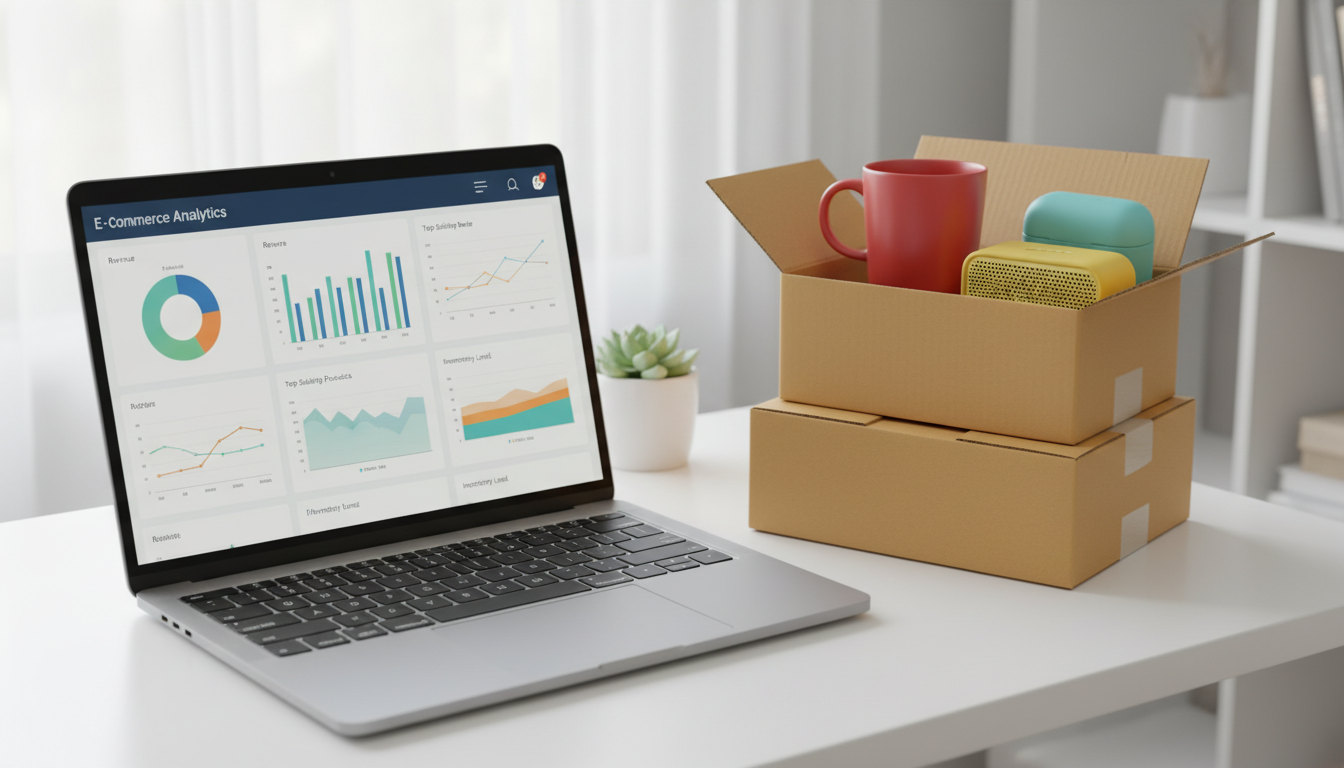
A store migration is more than just moving your products. Here's an overview of everything that has to come along in a Lightspeed C Series to Shopify migration:
| Data type |
What it covers |
Things to watch out for |
| Product catalogue |
Titles, descriptions, variants, images, prices, SKUs |
Product options work differently in Shopify (max 3 options by default) |
| Customer database |
Name, email, address, order history |
Passwords can't be transferred |
| Categories → Collections |
Product grouping and structure |
Lightspeed uses categories, Shopify uses collections |
| SEO data |
Meta titles, meta descriptions, URL slugs |
URL structure differs — redirects are essential |
| Order history |
All historical orders |
Important for customer service and accounting |
| Discount codes |
Active coupons and promotions |
Have to be re-created in Shopify |
| Blog content |
Articles, images, SEO data |
Reformatted in Shopify's blog system |
Challenges in a Lightspeed C Series to Shopify migration
Every platform migration brings challenges. In moving from Lightspeed C Series to Shopify there are a few specific points to keep in mind:
Different URL structure
Lightspeed C Series and Shopify use a fundamentally different URL structure. Where Lightspeed has URLs like /category/productname, for example, Shopify uses the format /products/productname and /collections/collectionname. Without proper 301 redirects, you lose all the SEO equity you've built up.
Category structure differs
Lightspeed C Series uses a hierarchical category structure (categories and subcategories). Shopify works with collections — both manual and automated. This translation has to be made carefully to keep your navigation and internal link structure intact.
Product options structured differently
In Lightspeed C Series you can configure product variants in a different way than in Shopify. Shopify allows a maximum of 3 product options by default (e.g. size, colour, material). Need more options? Then you need an app like Shopify's native metafields or a third-party solution.
Redirects are essential for SEO preservation
This is perhaps the most important point. Without a complete redirect mapping from your old Lightspeed URLs to your new Shopify URLs, you risk:
- Losing organic search positions in Google
- Dead links (404 pages) for visitors
- Loss of backlink value
- Bad user experience for returning customers
According to Shopify's official migration guide, setting up URL redirects is one of the last but most critical steps in any migration.
How Syncer solves this with Live Sync®
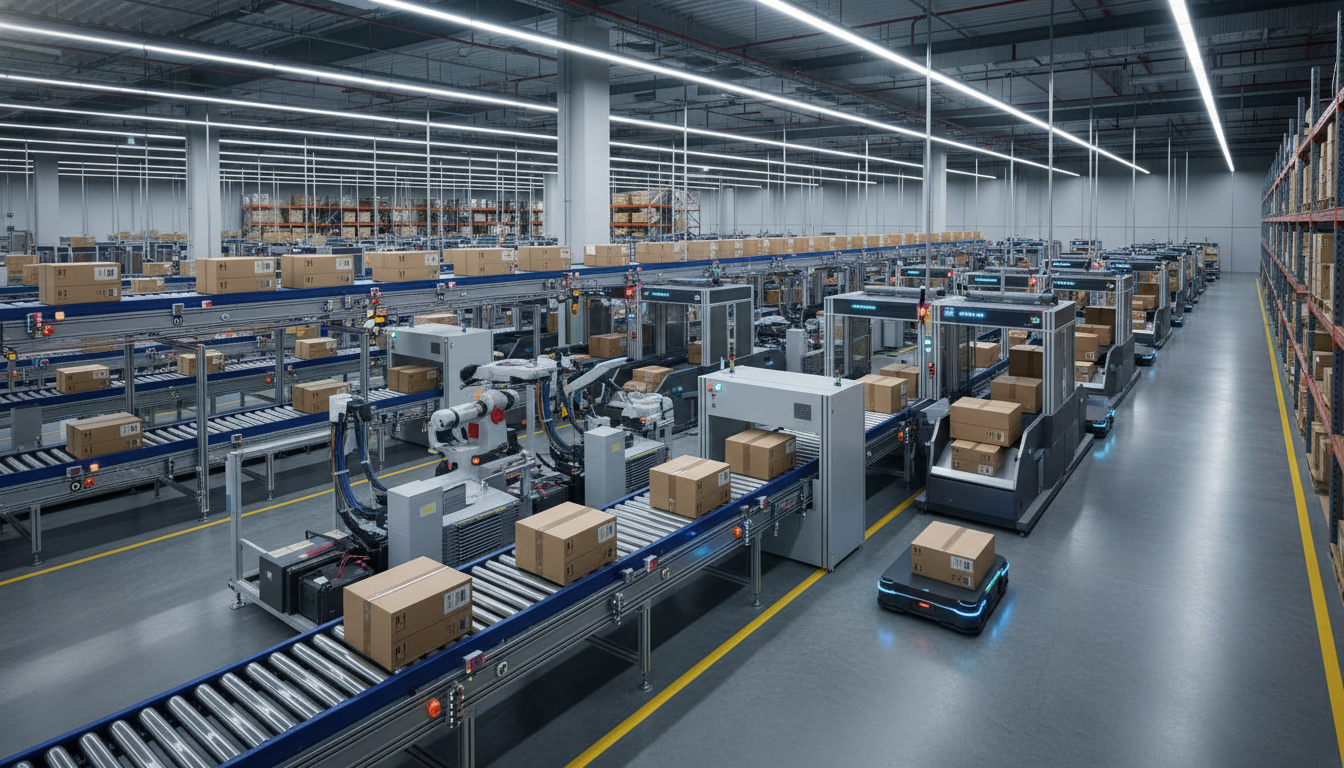
At Syncer we tackle the migration from Lightspeed C Series to Shopify fundamentally differently from the traditional CSV-export method. Our Live Sync® technology makes it possible to migrate your store without downtime and without risk.
API connection with Lightspeed C Series
Instead of manually exporting and importing CSV files, we make a direct API connection to your Lightspeed C Series store. This means all data is moved over automatically and without errors — no manual column mapping or data clean-up.
Real-time synchronisation during the migration
The biggest advantage of Live Sync®? While your new Shopify store is being built, your Lightspeed store stays live. New orders, customer registrations and product changes are synchronised in real time. So you don't miss a single sale during the migration process.
Automatic redirects
Our migration specialists handle a complete redirect mapping from all old Lightspeed URLs to your new Shopify URLs. Every product page, category page and content page is automatically forwarded. So you keep all your SEO equity.
Zero downtime
In a traditional migration your store often has to be offline for a while. With Syncer's approach that's a thing of the past. Your old store stays fully operational until the moment you switch to Shopify. That switch literally takes less than a minute — it's nothing more than a DNS change.
You don't have to do anything yourself
No editing CSV files. No mapping columns. No manual data checks. Our team handles the full migration, from product catalogue to customer database, from order history to blog content. You focus on running your business, we handle the tech.
The result after migration
Store owners who make the move from Lightspeed C Series to Shopify experience tangible improvements right away:
Faster, scalable store
Shopify runs on a global CDN (Content Delivery Network) with 99.99% uptime. Your store loads faster, can handle more concurrent visitors and scales effortlessly — also during peak periods like Black Friday.
Better app ecosystem
With access to Shopify's extensive App Store you can extend your store endlessly. From advanced email marketing with Klaviyo to social proof with Judge.me, from fulfilment integrations to loyalty programmes. The possibilities are virtually unlimited.
Better conversion optimisation
Shopify's checkout is one of the highest-converting checkouts in the world. With Shop Pay, one-click checkout and native A/B testing capabilities, you get more revenue from the same traffic. That's directly measurable result.
Ready for international growth
With Shopify Markets you can serve multiple markets from a single admin panel. Local languages, currencies, payment methods and even adjusted prices per market — all integrated and easy to manage.
When is this migration suitable for you?
Moving from Lightspeed C Series to Shopify is especially interesting if you recognise yourself in one or more of these situations:
-
You're growing faster than your platform — more products, more traffic, more complexity
-
You want to sell internationally — multiple languages, currencies and markets
-
You're missing integrations — you need apps or tools that aren't available on Lightspeed
-
You want more control over your design — without engaging a developer for every change
-
You're ready for the next step — from store to a real brand
Recognise yourself? Then it's time to seriously look at Shopify.
Ready to make the move?
The migration from Lightspeed C Series to Shopify doesn't have to be complex or risky. With Syncer's Live Sync® technology it becomes a smooth, automated process where you have nothing to worry about.
Want to know what migrating your Lightspeed store to Shopify involves?
👉 Request your free migration plan and receive a personal migration proposal within 48 hours. Including timeline, cost estimate and an overview of exactly what gets migrated.
No commitments. No hidden costs. Just a clear plan for your move to Shopify.
Sources:


