You know the feeling. Your physical store is doing well, but behind the scenes you're spending more time on your POS than on your customers. Lightspeed Retail served you well for years, but now you notice the limits. Separate systems for your store and your physical shop. Stock that doesn't stay in sync. Customer data spread across multiple platforms.
That's why more and more retailers are making the switch from Lightspeed Retail to Shopify POS. Not because Lightspeed is bad, but because the retail world has changed. Customers expect a seamless experience, whether they buy online, shop in store or do click and collect. That requires unified commerce. And that's where Shopify POS shines.
Why retailers are saying goodbye to Lightspeed Retail
Lightspeed Retail has been a reliable choice for physical stores for years. But the world has changed. Customers today expect an omnichannel experience: browse online, try in store and have it delivered home. Or the other way around: order online and pick up in store.
This is where many Lightspeed users hit walls:
-
Separate systems: your store (often WooCommerce or Magento) and your POS don't talk to each other well
-
Inventory management is complex: you have to track manually what's where
-
Customer data is fragmented: what someone buys online, you can't see in the store
-
Integrations cost time and money: every connection has to be maintained separately
Research by EY shows that retailers with unified commerce platforms like Shopify POS have on average 22% lower total cost of ownership and implement 20% faster than traditional solutions.
What makes Shopify POS different?
The fundamental difference is in the architecture. Where Lightspeed Retail is primarily a POS system that you can connect to web shops, Shopify POS is built as part of a complete commerce platform.
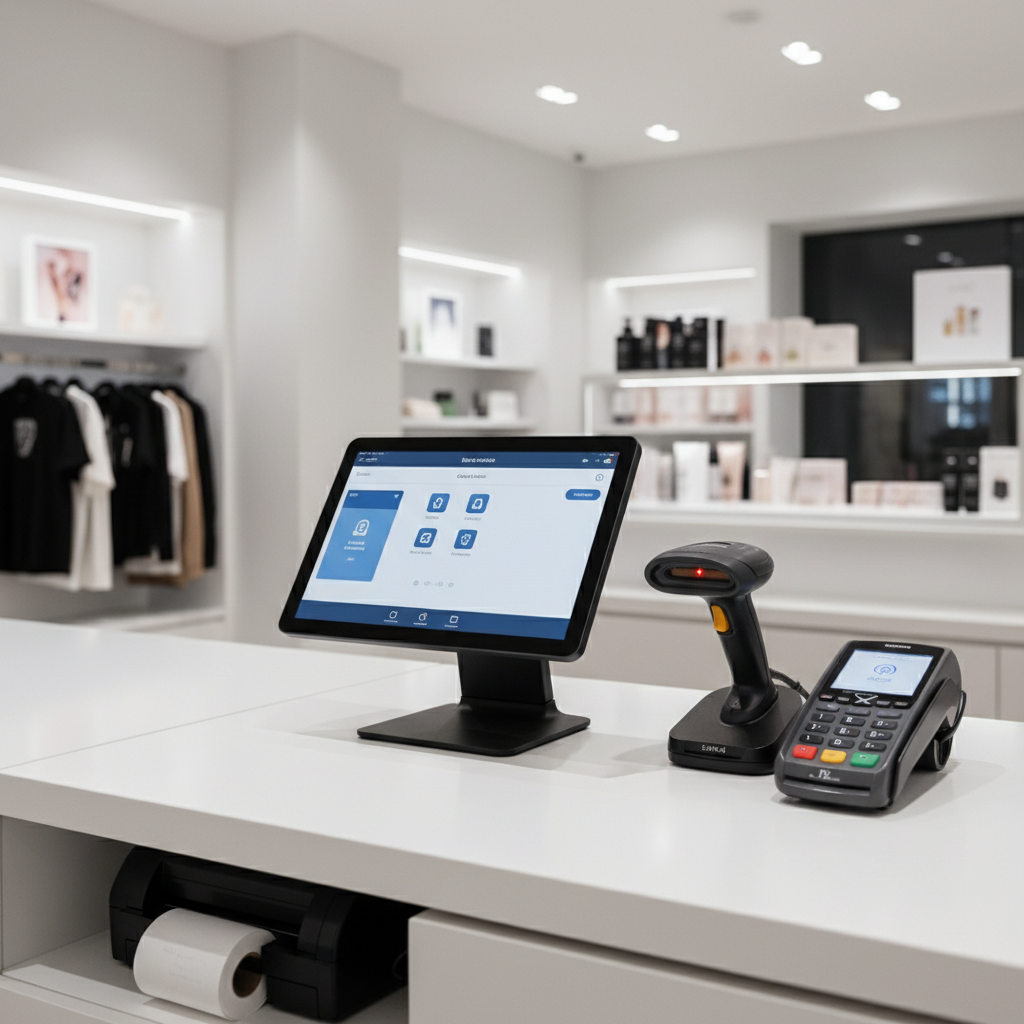
Concretely this means:
| Aspect |
Lightspeed Retail |
Shopify POS |
| Architecture |
Standalone POS with integrations |
Native part of commerce platform |
| Inventory sync |
Via middleware or manual |
Real-time, automatic |
| Customer profiles |
Separated per channel |
Unified customer profiles |
| Webshop integration |
External integrations needed |
Native, no middleware |
| Click and Collect |
Complex setup |
Out-of-the-box |
Hardware: what can you bring along?
A common question with POS migrations: do I have to replace all my hardware? The short answer: not necessarily.
Shopify POS works with various hardware setups:
-
Tablets: iPad or Android tablets with the Shopify POS app
-
Payment terminals: Shopify's own terminals or compatible third-party devices
-
Barcode scanners: most Bluetooth and USB scanners work in keyboard emulation mode
-
Cash drawers: standard cash drawers with RJ12 connection
-
Receipt printers: Star and Epson printers are supported
Shopify also offers its own hardware, including the Shopify POS Terminal (countertop payment device) and Shopify POS Go (mobile all-in-one device with barcode scanner). The latter is ideal for stores where you want to help customers on the shop floor without them having to come to the counter.
Live Sync: migrating data without hassle
This is where Syncer comes in. The biggest hurdle in a POS migration? Your data. Product details, customer history, stock information — everything has to come along. And it has to be right.
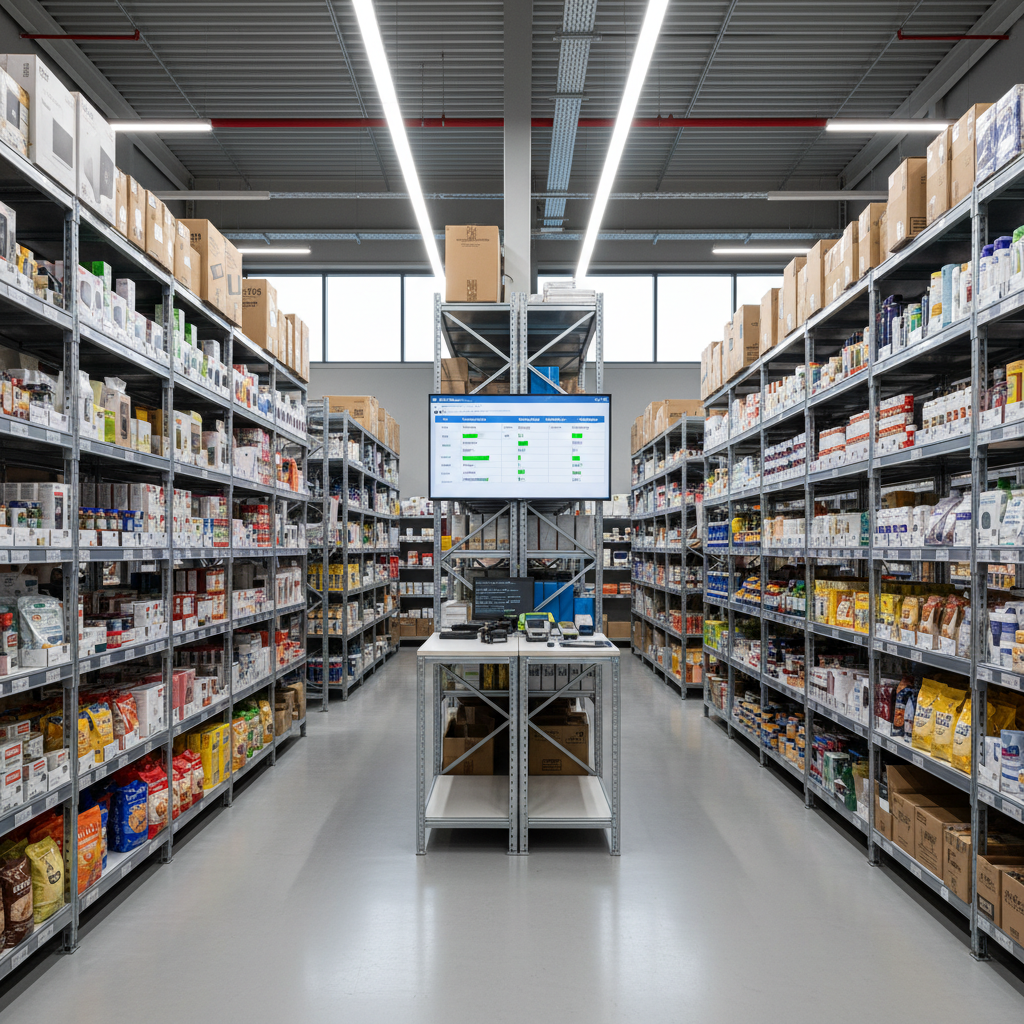
With our Live Sync technology, Syncer migrates your data fully automatically via API. What does this mean for you as a retailer?
-
No CSV exports: you don't have to export or import data yourself
-
No manual work: we do the technical heavy lifting
-
Real-time synchronisation: changes are propagated automatically
-
Data integrity: no duplicate records or lost information
In practice it works like this: Syncer connects both to your Lightspeed Retail environment and your new Shopify POS setup. Then we synchronise:
- All product data (including variants and images)
- Customer details and purchase history
- Inventory information per location
- Orders and transactions
Your store stays operational during the migration. No downtime, no chaos.
Unified commerce: what does it deliver?
The real win of Shopify POS isn't just in the POS itself. It's in what becomes possible when everything comes together.
Scenario 1: Click and Collect
Customer orders online, chooses pickup in store. Your POS automatically shows the order. Customer picks it up, payment is already done. Stock is already updated.
Scenario 2: Endless Aisle
Customer is in your store, but the desired size is sold out. Your employee orders directly via the POS from your warehouse or another location. Customer gets it delivered home. One transaction, one customer profile.
Scenario 3: Return in store
Bought online, returned in the store. No hassle with separate systems. The POS recognises the order, processes the return, and updates stock immediately.
This is what unified commerce means: not just connecting channels, but running all data and processes on one platform.
Costs and ROI
What does the switch from Lightspeed Retail to Shopify POS cost? The investment consists of three parts:
-
Shopify subscription: includes Shopify POS Lite. For advanced retail features (such as staff management) you upgrade to Shopify POS Pro
-
Hardware: depending on your current setup, 0 to 500 euro or more per location
-
Migration: with Syncer Live Sync technology you get a fixed price, no surprises
What does it deliver? Retailers who switch to unified commerce report:
-
8.9 percent higher revenue growth on average per year
- Up to 22 percent lower total cost of ownership
-
50+ hours per week saved on manual work
The switch: how do you tackle it?
A POS migration seems complex, but with the right approach it's straightforward:
-
Analysis: we map your current Lightspeed Retail setup
-
Planning: together we set the migration date and approach
-
Data migration: Syncer Live Sync synchronises all data automatically
-
Hardware setup: your new or existing hardware is configured
-
Training: your team gets to know the new environment
-
Go-live: you run on Shopify POS
The best part? Your store stays open during the entire process. No 'temporarily closed for system upgrade' sign.
Is Shopify POS right for you?
Shopify POS is ideal for retailers who:
- Sell both online and offline (or aspire to)
- Are tired of integration problems between systems
- Want to grow without technical complexity
- Want to offer customers a seamless omnichannel experience
Still in doubt? At Syncer we're happy to help with a free migration scan. We analyse your current Lightspeed Retail setup and show what the switch to Shopify POS would mean for your business.
Request your free migration scan
Sources


