Working with Lightspeed as your POS system and wondering if Shopify POS is a better choice? You're not alone. More and more retailers are making the move to a unified commerce approach, where online and offline sales come together seamlessly. In this article we dive deep into the differences between Lightspeed POS and Shopify POS, the prices, features and what a smooth migration looks like.
Why retailers are moving from Lightspeed to Shopify POS
Lightspeed is an established name in the retail POS market with more than 144,000 locations worldwide. But the retail world is changing fast. Customers expect a seamless experience, whether they're in the store or shopping online. Enter unified commerce — and that's exactly where Shopify POS shines.
The most important reasons retailers make the switch:
-
Unified inventory — one stock system for all sales channels
-
Better integration — online and offline sales in one dashboard
-
Flexible hardware — from mobile card readers to complete POS setups
-
Scalable platform — from one location to hundreds of stores
Lightspeed POS vs Shopify POS: pricing comparison
Let's be honest: price plays a big role in your choice of POS system. Here's an overview of what both platforms cost:
| Platform |
Plan |
Price per month |
Transaction fees (in-person) |
| Lightspeed |
Basic |
$89 USD |
2.6% + 10¢ |
| Lightspeed |
Core |
$149 USD |
2.6% + 10¢ |
| Lightspeed |
Plus |
$289 USD |
2.6% + 10¢ |
| Shopify |
Retail (incl. POS Pro) |
$89 USD |
2.6% + 10¢ |
| Shopify |
POS Pro add-on |
$89 USD per location |
2.4% - 2.6% + 10¢ |
Important: Shopify's transaction fees drop as you go up to a higher plan. On the Advanced plan you only pay 2.4% + 10¢ for in-person transactions.
Shopify POS Lite vs POS Pro: what's the difference?
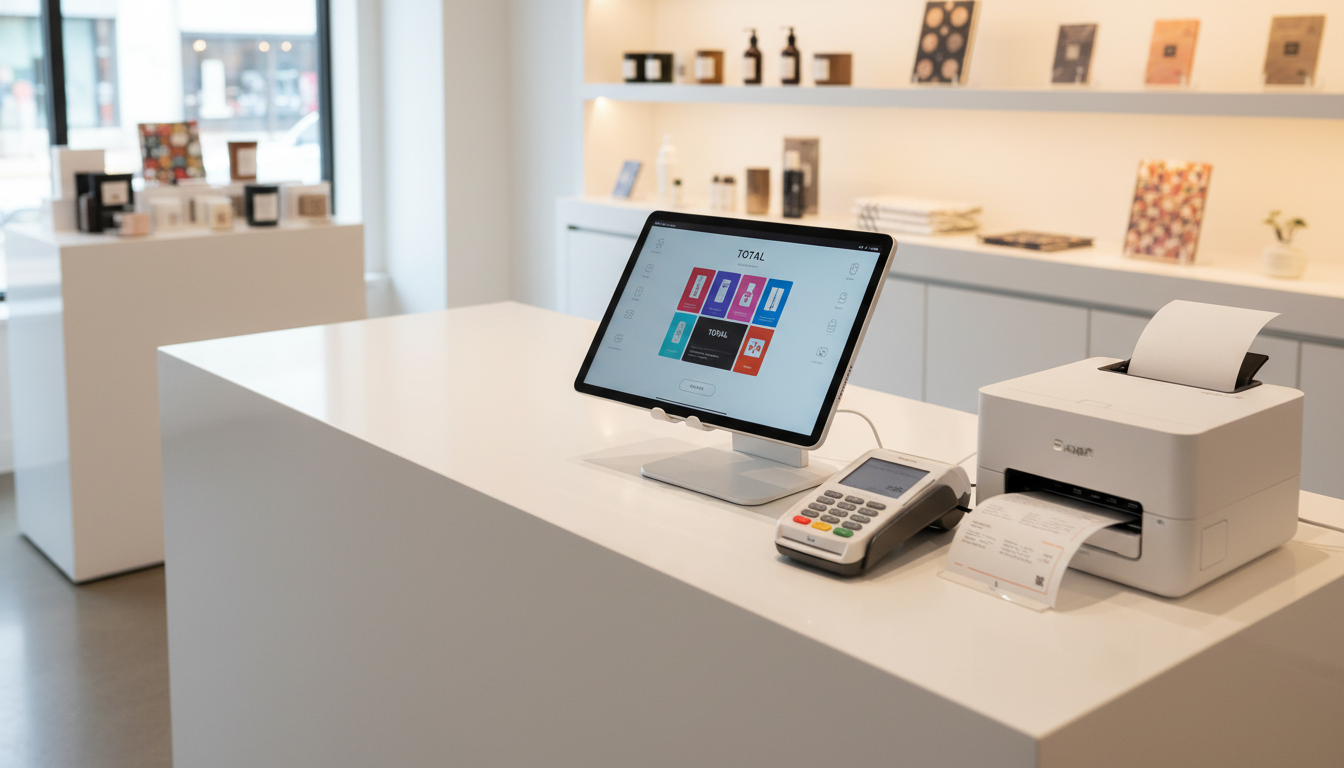
Shopify offers two POS variants. Which one fits your store?
POS Lite (free with every Shopify subscription)
- Accept payments by card and cash
- Basic customer profiles
- Returns and exchanges
- Gift cards (physical and digital)
- Unified inventory with online channels
Ideal for: pop-up shops, markets, fairs
POS Pro ($89/month per location)
Everything from POS Lite, plus:
-
Unlimited staff accounts with detailed permissions
-
Advanced inventory management — transfers, purchase orders, low-stock alerts
-
Customer profiles with lifetime value — insight into buying behaviour
-
Retail analytics — real-time monitoring of all locations
-
Omnichannel selling — BOPIS (buy online, pick up in store), ship-from-store
-
Clienteling tools — personalised shopping experience
Ideal for: physical retail stores with a lot of traffic, multiple staff or an extensive product catalog
Hardware: what do you need?
A POS system is nothing without the right hardware. Here are the options:
Shopify POS hardware
| Product |
Price (indicative) |
Function |
| Shopify POS Terminal |
€319 |
Countertop payment terminal with customer screen |
| Tap to Pay |
Free |
Contactless payments via iPhone/Android |
| iPad Stand + Terminal Kit |
€319 |
Complete countertop setup |
| Barcode scanner |
From €50 |
Fast product recognition |
Tip: you can often keep using existing hardware. Check the Shopify supported hardware list to see if your gear is compatible.
What can you migrate from Lightspeed to Shopify?
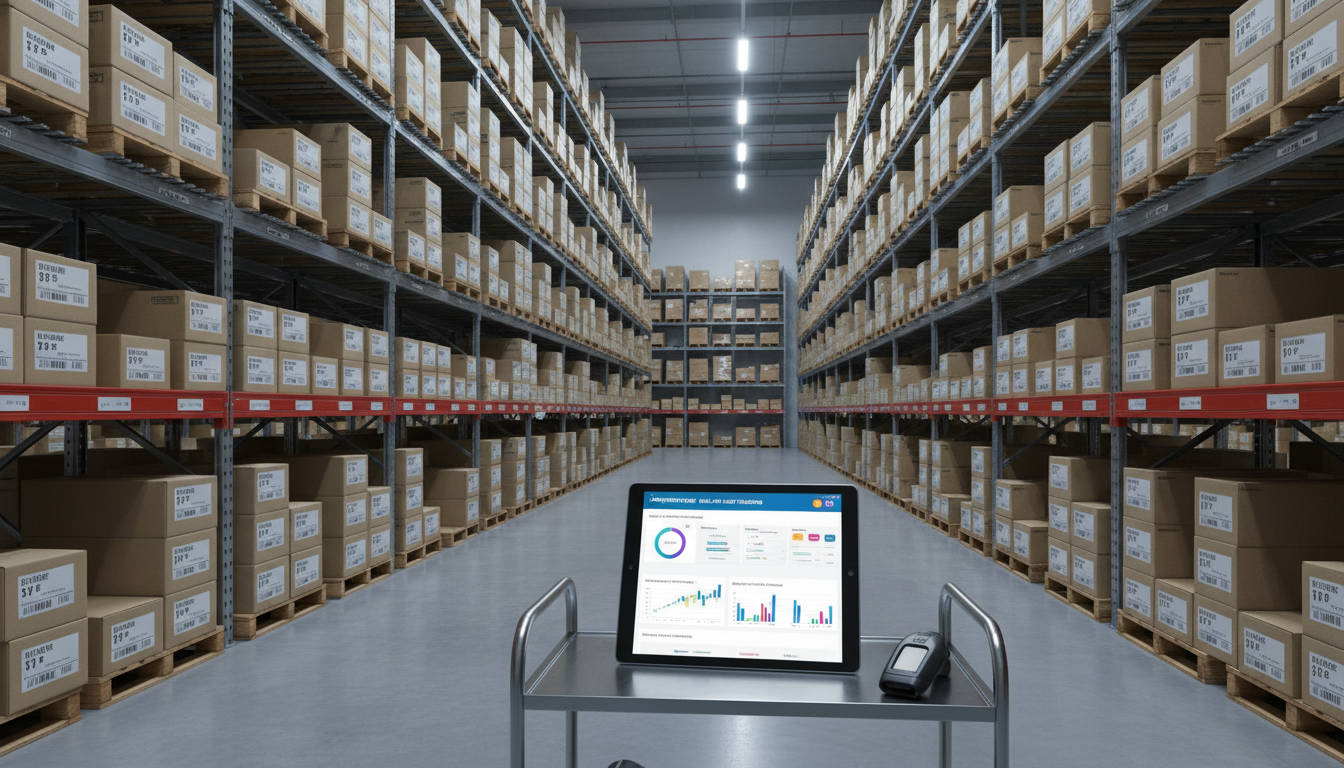
The good news: practically all your data can be moved over. Here's what can be migrated:
Product data
- Product names and descriptions
- SKUs and barcodes
- Prices and compare-at prices
- Stock counts per location
- Product variants (size, colour, etc.)
- Categories and tags
Customer data
- Names and contact details
- Email addresses
- Purchase history
- Loyalty points (via external apps)
Order history
- Historical transactions
- Payment information
- Order status
How Syncer handles your POS migration
A migration from Lightspeed to Shopify POS may sound complex, but it doesn't have to be. At Syncer we take the entire migration process off your hands.
No hassle with CSVs or manual exports
Forget exporting, mapping and importing data yourself. Our Live Sync® technology pulls all data directly from your Lightspeed system via the API. No manual work, no errors, no stress.
What we handle for you:
-
Complete data transfer — products, customers, order history, stock
-
Real-time synchronisation — your Lightspeed keeps running while we set up Shopify
-
Hardware configuration — we help you choose and set up the right POS hardware
-
Staff training — your team learns to work with Shopify POS
-
Zero downtime — on go-live day we switch over seamlessly
The process in brief:
| Phase |
What we do |
Your role |
| 1. Analysis |
Inventory of your data and wishes |
Provide access to Lightspeed |
| 2. Sync |
Live Sync® moves all data over to Shopify |
Just keep working |
| 3. Setup |
POS configuration, hardware, integrations |
Give feedback |
| 4. Go-live |
Seamless switch at the agreed moment |
Open the store on Shopify POS |
The result? You keep selling, we handle the tech.
Unified commerce: the real reason to switch
The biggest advantage of Shopify POS isn't the price or the features — it's unified commerce. That means:
-
One inventory — sell a product online? It's updated immediately in your physical store.
-
One customer profile — someone buys in store? You see the same customer in your online dashboard.
-
One platform — no integrations between separate systems that can fail.
This is where Lightspeed as a standalone POS falls short. Yes, they offer e-commerce integrations, but it isn't natively built in like with Shopify.
Who is Shopify POS suitable for?
Shopify POS is ideal for:
- Retailers selling online and offline
- Stores with multiple locations needing central management
- Entrepreneurs wanting to scale without changing platforms
- Retailers wanting omnichannel (click & collect, ship-from-store)
Ready to make the switch?
Curious what a Lightspeed-to-Shopify-POS migration means for your store? We're happy to make a no-obligation analysis of your situation.
Request a free migration scan →
Sources


